Featured
Seedance 2.0
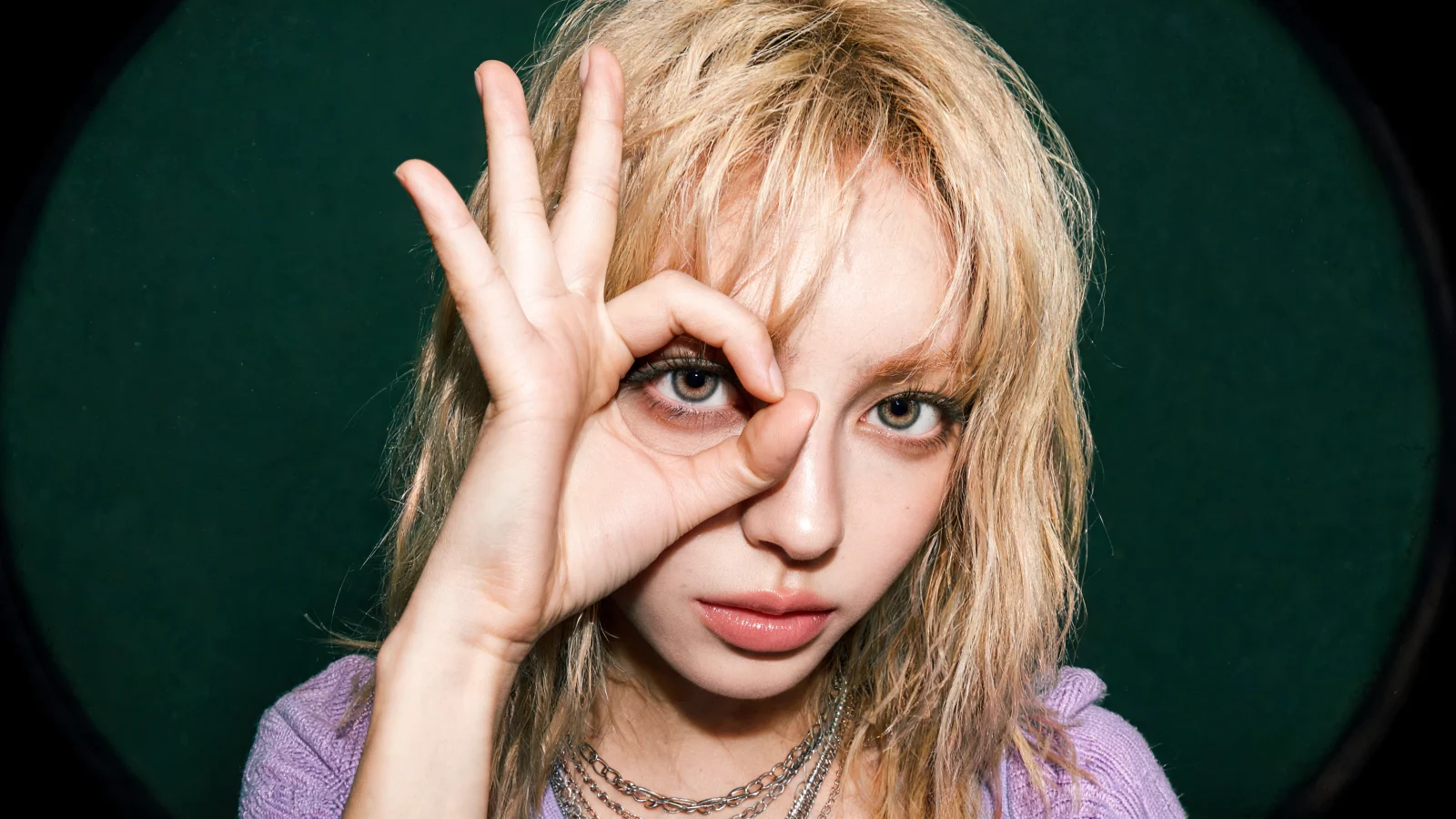
Outputs feel shot, not illustrated, with motion and synced sound.
Prompt to FilmSound in SyncDirectable Shots
Model access
Open Studio brings leading model families into one interface, so you can pick the right capability without switching products.
Use advanced model families for deeper analysis, planning, and long-form problem solving.
Start fast conversations with model selection, history, and streaming responses.
Draft, explain, and refine code without leaving your AI workspace.
Bring web and knowledge workflows into the same product surface when you need context.
Keep chats, generated assets, and account settings connected across devices.
Generate, edit, remix, and reuse reference images from a focused image workbench.
Core workflows
Open Studio keeps the daily AI workflows close together: model chat, image generation, file-aware work, and safe account controls.
Choose the workflow you need, keep the same account, and return to your history when the work continues.
Use Claude, GPT, Gemini, and other leading model families through one clean chatbox.
Workflow preview
Performance
The chat path streams responses, keeps provider calls server-side, and preserves safety checks before expensive work begins.
Open Studio focuses on fast visible feedback, stable streaming, and deterministic billing guards for real production usage.
Streaming chat surface
Workspace depth
From model selection to usage visibility, Open Studio is built around clear controls and predictable day-to-day workflows.
Browse featured models first, search the full catalog, and keep the displayed model aligned with requests.
Save previous chats and return to work without rebuilding context from scratch.
Use generated or uploaded images as references for edits and remixes.
Track credits, plan capacity, and settled usage from a dedicated account area.
Control theme, language, model defaults, and image defaults from one settings surface.
Anonymous and high-cost actions use extra safeguards before provider work starts.
Move from chat to image generation, code help, and search without losing the context of your work.
Start free. Paid plans give the best credit value when you need more capacity and priority.
FAQ
You can chat with leading AI model families, generate and edit images, work with files, and keep your history in one account.
Join Open Studio to save your work, keep credits in one place, and see new image, video, and text model updates as they arrive.
Create an account with this email and keep product updates in one place.
We use cookies to help this site function, understand service usage, and improve Open Studio. Visit to change preferences anytime. View our Cookie Policy for more information.